 Made for iOS
WLED Mapper
Turn a camera view into a working 2D LED map.
WLED Mapper guides you from controller discovery to a finished ledmap.json. Use your iPhone camera to locate every pixel, correct the layout, and upload it directly to WLED.
One guided workflow
From lights on the wall to coordinates WLED understands
The app controls the installation over your local network, isolates each LED for the camera, and stores its position as a normalized 2D coordinate.
Connect & calibrate
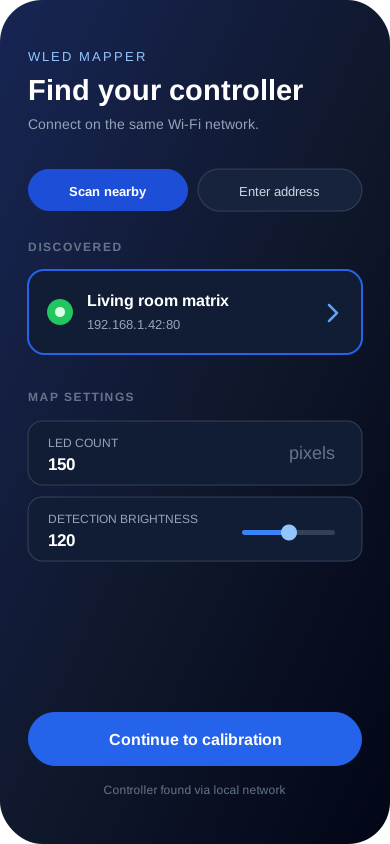
Choose a saved or discovered controller, set the LED count and brightness, then frame the installation.
Capture & detect
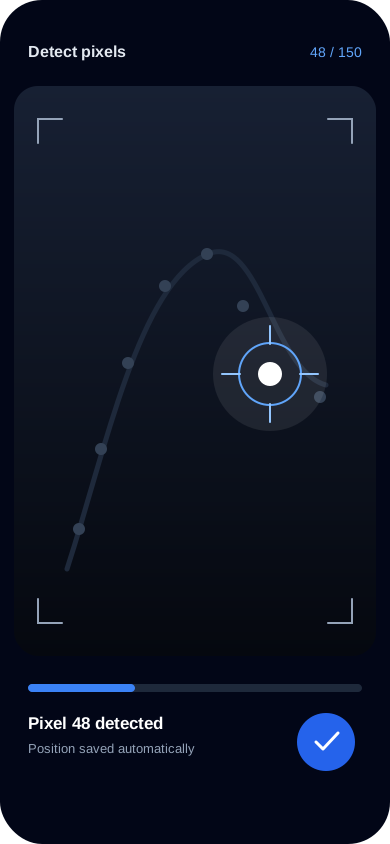
Blink pixels one at a time while camera-based blob detection records each point.
Correct & deliver
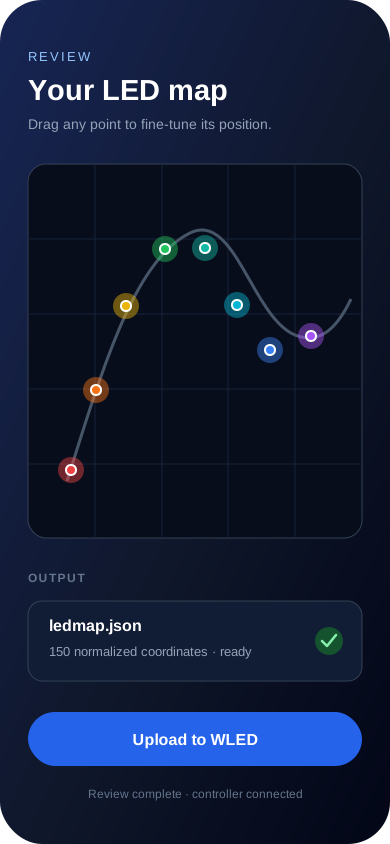
Drag points into place, inspect the generated JSON, and upload it to WLED over the local network.
In the app
Map without the manual coordinate work
A focused path through discovery, optical detection, visual review, and export.
Connect locally
Discover WLED controllers over mDNS or a subnet scan, or enter an address manually.
Detect each pixel
WLED Mapper lights pixels sequentially and uses the iPhone camera to record normalized positions.
Review and upload
Fine-tune detected points, generate ledmap.json, and send it straight to your controller.
Built for custom LED installations
Matrices, irregular shapes, and free-form installations all become a set of precise points—ready for WLED’s 2D effects without typing coordinates by hand.
Back to Products